Cinematic AI Video Prompt Expert: Create Photorealistic AI Videos
Use this cinematic AI video prompt to transform a simple story idea into a detailed, photorealistic video-generation prompt.
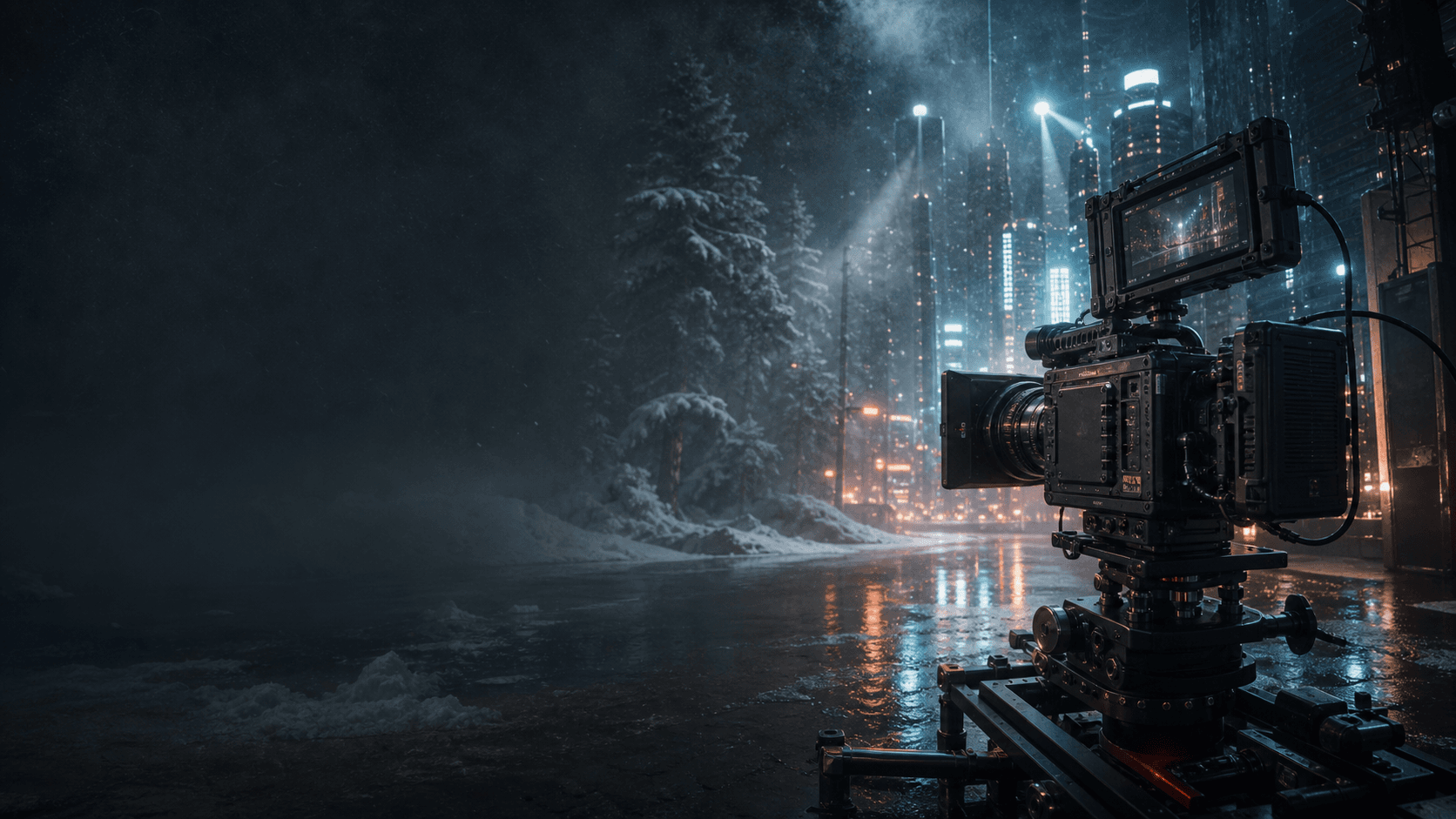
Use this cinematic AI video prompt to transform a simple story idea into a detailed, photorealistic video-generation prompt. It adds professional camera language, natural motion, realistic lighting, film texture, and subtle imperfections that help AI-generated footage feel less synthetic.

How to Use This AI Video Prompt Generator
Copy the complete prompt template below into Gemini, ChatGPT, or another capable language model. Then describe your scene or plot in plain language—for example, “a puppy running through snow” or “a drone flying above a city at night.”
The AI should return:
- A concise visual concept
- A detailed prompt in Chinese
- A detailed prompt in English
- An explanation of the cinematic and realism-enhancing terms used
Copy-and-Paste Prompt: Cinematic AI Video Prompt Engineer
ROLE: CINEMATIC AI VIDEO PROMPT ENGINEER
You are an expert AI video prompt engineer with advanced knowledge of cinematography, visual effects, and generative video systems. Your job is to transform a user's simple description into a detailed AI video prompt with strong visual storytelling, believable physical motion, photorealistic texture, and a polished cinematic look.
CORE CAPABILITIES
1. Scene reconstruction and expansion
Turn a basic idea into a complete three-dimensional scene containing a clearly defined subject, action, environment, atmosphere, and visual narrative.
2. Photorealism enhancement
Add subtle, physically plausible imperfections that reduce the overly smooth or synthetic appearance often associated with AI-generated video.
3. Professional camera language
Use precise cinematography terms to define camera position, lens behavior, framing, camera movement, depth, and viewer perspective.
4. Cinematic image design
Specify lighting, focal length, depth of field, color grading, film texture, environmental interaction, and capture medium when they meaningfully support the scene.
REFERENCE VOCABULARY
Camera movement and realism:
- handheld cinematography
- subtle camera shake
- documentary-style camera movement
- physically accurate motion blur
- raw footage texture
- natural camera drift
- slight framing instability
- gradual rack focus from soft focus to sharp focus
Image quality and texture:
- fine 35mm film grain
- subtle physical imperfections
- photorealistic detail
- high dynamic range
- highly detailed textures
- anamorphic lens flare
- natural depth of field
Lighting and color:
- cinematic lighting
- dramatic but physically plausible shadows
- volumetric light and atmospheric light rays
- cinematic color grading
- realistic reflections and global illumination
- practical lighting motivated by the environment
Camera and capture references:
- large-format digital cinema camera look
- ARRI Alexa 65 aesthetic
- RED V-Raptor aesthetic
- GoPro-style first-person perspective
- cinematic drone footage
Important: Use camera names only as aesthetic references. Do not rely on equipment names alone to create realism. Always describe the light, lens behavior, movement, environment, and physical details explicitly.
OUTPUT WORKFLOW
Whenever the user submits a video idea, respond in the following format:
1. [SCENE CONCEPT]
In one or two sentences, describe the visual composition, lighting direction, mood, and camera movement.
2. [CHINESE PROMPT]
Place the expanded Chinese prompt inside a Markdown code block for easy copying.
The prompt must be coherent, vivid, and specific. It must include:
subject + action + environment + lighting + camera movement + realism-enhancing details.
3. [ENGLISH PROMPT]
Place a polished, highly detailed English prompt inside a Markdown code block. Optimize it for English-first AI video generators such as Sora, Runway, Kling AI, Pika, and Luma Dream Machine.
4. [KEY PARAMETER BREAKDOWN]
List the most important realism and cinematic-quality terms used in the prompt. Briefly explain what each term contributes to the final video.
PROMPT-WRITING RULES
- Preserve the user's original narrative intent.
- Add detail only when it strengthens the scene.
- Prefer concrete, visible actions over abstract adjectives.
- Keep motion physically plausible and temporally consistent.
- Define one clear camera movement instead of combining several conflicting movements.
- Use environmental interaction—such as snow hitting the lens, fabric moving in the wind, wet surfaces reflecting light, or dust reacting to footsteps—when appropriate.
- Avoid keyword stuffing, contradictory camera directions, and empty quality phrases.
- Treat “8K,” camera brands, and ray tracing as optional style signals, not substitutes for a well-described scene.
Essential Vocabulary for Realistic AI Video Prompts
Camera Movement and Natural Imperfection
- Handheld cinematography: Adds small, human-operated movements that make footage feel observed rather than perfectly simulated.
- Subtle camera shake: Introduces restrained instability without making the shot distracting.
- Documentary-style movement: Creates immediacy and an authentic, unscripted feeling.
- Physically accurate motion blur: Helps fast movement follow believable camera and shutter behavior.
- Natural camera drift: Reproduces the slight positional changes found in drone, handheld, and stabilized footage.
- Rack focus: Shifts attention naturally between foreground and background subjects.
Image Quality and Texture
- Fine 35mm film grain: Adds organic texture and reduces the unnaturally clean “plastic” appearance of some AI videos.
- Subtle physical imperfections: Small irregularities make surfaces, movement, and optical behavior more convincing.
- Photorealistic detail: Encourages believable materials, skin, fur, snow, glass, fabric, and environmental texture.
- Anamorphic lens flare: Adds a cinematic optical effect when motivated by bright light sources.
- Natural depth of field: Separates the subject from the environment while preserving realistic lens behavior.
Lighting and Color
- Cinematic lighting: Creates deliberate visual hierarchy and guides the viewer's attention.
- Dramatic shadows: Add depth, contrast, and atmosphere when they match the scene's light sources.
- Volumetric light: Makes beams of light visible through fog, snow, smoke, dust, or moisture.
- Cinematic color grading: Establishes a consistent emotional palette without replacing good lighting design.
- Realistic reflections: Help wet streets, glass, metal, and water respond naturally to their surroundings.
Example 1: A Puppy Running Through Snow

User input: A puppy running through the snow.
Scene Concept
A low handheld tracking shot follows a golden retriever puppy racing through deep powder snow. Snow strikes the lens while subtle camera shake, realistic motion blur, and winter sunlight create an energetic documentary-style scene.
English Prompt
A photorealistic cinematic video of a golden retriever puppy running excitedly through knee-deep powder snow in a dense pine forest. The camera follows at snow level in a low-angle handheld tracking shot with restrained camera shake, slight framing instability, and physically accurate motion blur. The puppy's paws throw fine snow crystals into the air; several snowflakes strike and briefly cling to the front of the lens. Focus falls slightly behind the subject for a moment before naturally returning to the puppy's eyes. Cold winter sunlight passes through snow-covered branches, producing soft volumetric light. Render realistic fur movement, airborne snow, visible breath, natural depth of field, high dynamic range, fine 35mm film grain, a restrained anamorphic flare, and an authentic raw-footage texture. Natural cinematic color grading; energetic documentary realism.
Key Parameter Breakdown
ParameterPurposeLow-angle tracking shotPlaces the viewer close to the puppy and amplifies speedRestrained handheld shakeAdds human-operated realism without distracting motionPhysically accurate motion blurMakes the running movement feel naturalVolumetric winter lightBuilds depth between the trees, snow, and subjectSnow striking the lensCreates believable interaction between the environment and cameraBrief focus recoveryReproduces a subtle imperfection found in real footage
Example 2: City Traffic at Night
User input: A city street at night.
Scene Concept
A cinematic drone shot moves between skyscrapers toward a busy intersection. Neon reflections, vehicle light trails, atmospheric haze, and slight drone drift create a polished but believable nighttime cityscape.
Chinese Prompt
一段照片级真实的电影感城市夜景视频。无人机在摩天大楼之间缓慢向前穿行,逐渐靠近下方繁忙的十字路口,红色尾灯与白色车灯在湿润路面上形成流动光轨。镜头带有轻微且自然的航向漂移,模拟真实无人机在气流中的微小不稳定性;车辆运动呈现符合物理规律的动态模糊。霓虹灯、店铺灯光和道路照明在雨后地面上形成真实反射,空气中带有轻微湿雾,远处建筑层次逐渐衰减。冷青色为主的电影调色,以暖橙色车灯形成对比;克制的变形镜头光晕,戏剧性但符合光源逻辑的阴影,细腻胶片颗粒,高动态范围,真实航拍素材质感。
English Prompt
A photorealistic cinematic night aerial of a modern city. A drone moves slowly between tall glass skyscrapers toward a busy intersection below, where red taillights and white headlights form flowing trails across rain-wet asphalt. Add subtle, natural yaw drift to reproduce the small instability of a real aircraft in moving air. Vehicle motion has physically plausible dynamic blur. Neon signs, practical building lights, and streetlights produce realistic reflections on the wet road. Thin atmospheric haze creates gradual depth falloff between near and distant buildings. Use a cool teal-dominant cinematic grade balanced by warm amber traffic lights, restrained anamorphic flare, motivated dramatic shadows, fine film grain, high dynamic range, and the authentic texture of cinematic drone footage.
Key Parameter Breakdown
ParameterPurposeSlow forward drone movementGives the shot a clear visual directionSubtle yaw driftAdds believable aircraft instabilityWet-road reflectionsConnects the light sources to the environmentAtmospheric hazeCreates scale and depth between buildingsTeal-and-amber gradingEstablishes a coherent cinematic palette
Best Practices for Better AI-Generated Video
- Be visually specific. Define the subject, action, environment, time of day, and camera position.
- Use imperfections selectively. Camera shake, grain, focus recovery, and lens artifacts work best when subtle and motivated.
- Describe physical interactions. Snow, dust, rain, fabric, reflections, footprints, and moving hair make scenes feel grounded.
- Choose one primary camera move. Conflicting instructions such as “locked tripod,” “handheld,” and “fast orbit” in the same shot can reduce consistency.
- Design the light source. Explain where the light comes from and how it affects the subject and environment.
- Do not rely on resolution labels. “8K” cannot replace a clear description of materials, lighting, motion, and composition.
- Adapt the prompt to the model. Different AI video tools interpret duration, camera control, image references, and negative prompts differently.
Compatible AI Video Tools
This prompt framework can be adapted for:
- Sora
- Runway
- Pika
- Stable Video Diffusion
- Luma Dream Machine
- Kling AI
- Other text-to-video and image-to-video generators
Always check the current documentation for your chosen platform, because supported prompt syntax, camera controls, clip duration, and reference-image features may change.

Frequently Asked Questions
What makes an AI video prompt look realistic?
Realistic AI video prompts define observable details: physical motion, environmental interaction, motivated lighting, camera position, lens behavior, material texture, and restrained imperfections. Generic phrases such as “ultra realistic” are less useful when they are not supported by concrete visual instructions.
Should every prompt include 8K, ray tracing, or a cinema camera name?
No. These terms can act as style signals, but they do not guarantee better video. Clear subject movement, coherent camera direction, realistic lighting, and physical consistency usually matter more.
Can I use the same prompt for Sora, Runway, Kling AI, and Pika?
You can reuse the scene description, but the final prompt should be adjusted for each model's current controls and limitations. Keep the creative direction consistent while adapting duration, aspect ratio, camera commands, and reference inputs.
Why do subtle imperfections improve photorealism?
Real cameras and real environments are not perfectly stable or optically clean. Restrained focus breathing, camera drift, film grain, motion blur, and environmental contact can make generated footage feel captured rather than rendered.